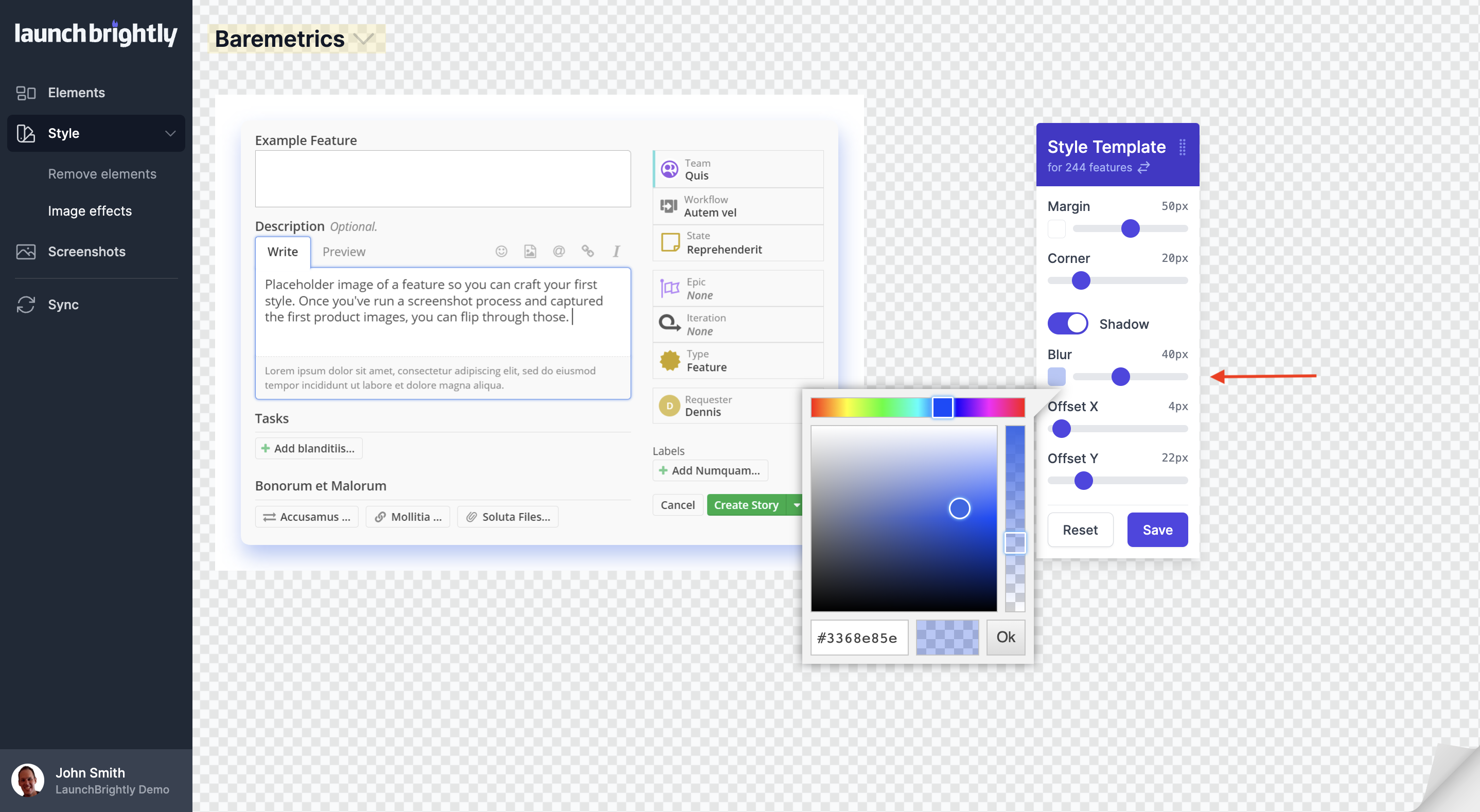
Apply shadow settings for your screenshots
Shadows, when done well, provide depth, contrast and clarity to the image and the page where the image is used. You can adjust the blur, color, and offsets to apply your preferred shadow settings. It is an art rather than a science, but we get you started with parameters similar to how MacOS does shadows on manual screenshots.